
What is the cart reminder?
The cart reminder is a standard event offered by Shopgate to remind users of abandoned app shopping carts. As soon as an app user fills a cart and leaves the app without buying, a timer starts. When the timer runs out, a push notification is sent to the device automatically.
How do I activate the feature?
Activating the cart reminder is very simple. In your Shopgate admin, go to Marketing › Campaigns. Above the list, select the "Event" filter and then the existing campaign "Shopping cart reminder - push".
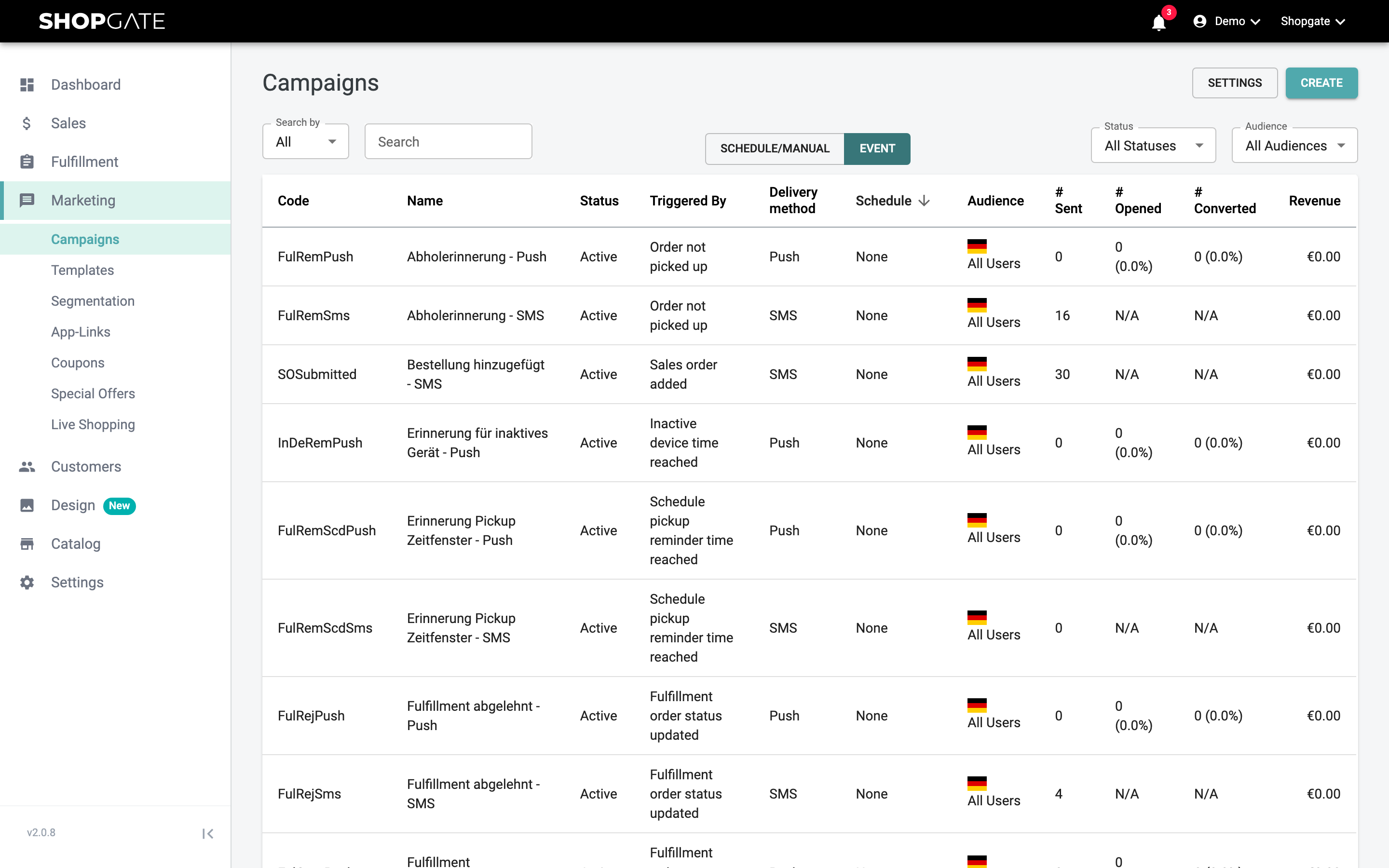
The campaign is already linked to a message template and the "Show cart" interaction. You can adjust both as you like. Check the settings, add an image if needed and save the campaign.
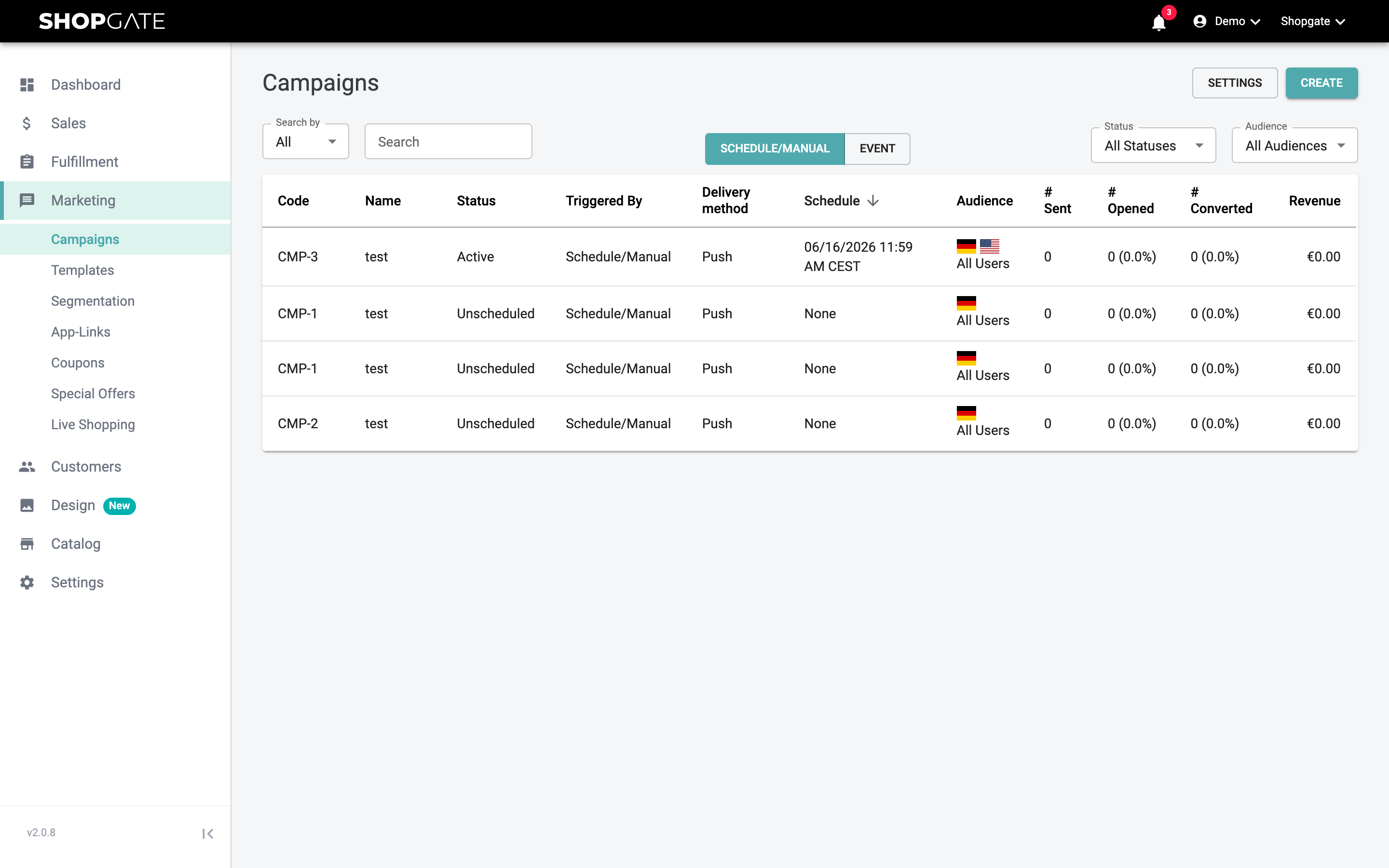
To then activate the event and set the time after which a notification is sent, click "Settings" at the top right of the campaign overview. Set "Enable Abandoned Cart Reminder Event" to "Yes", enter the time you want in minutes under "Abandoned Cart Reminder Time" and click "Save".
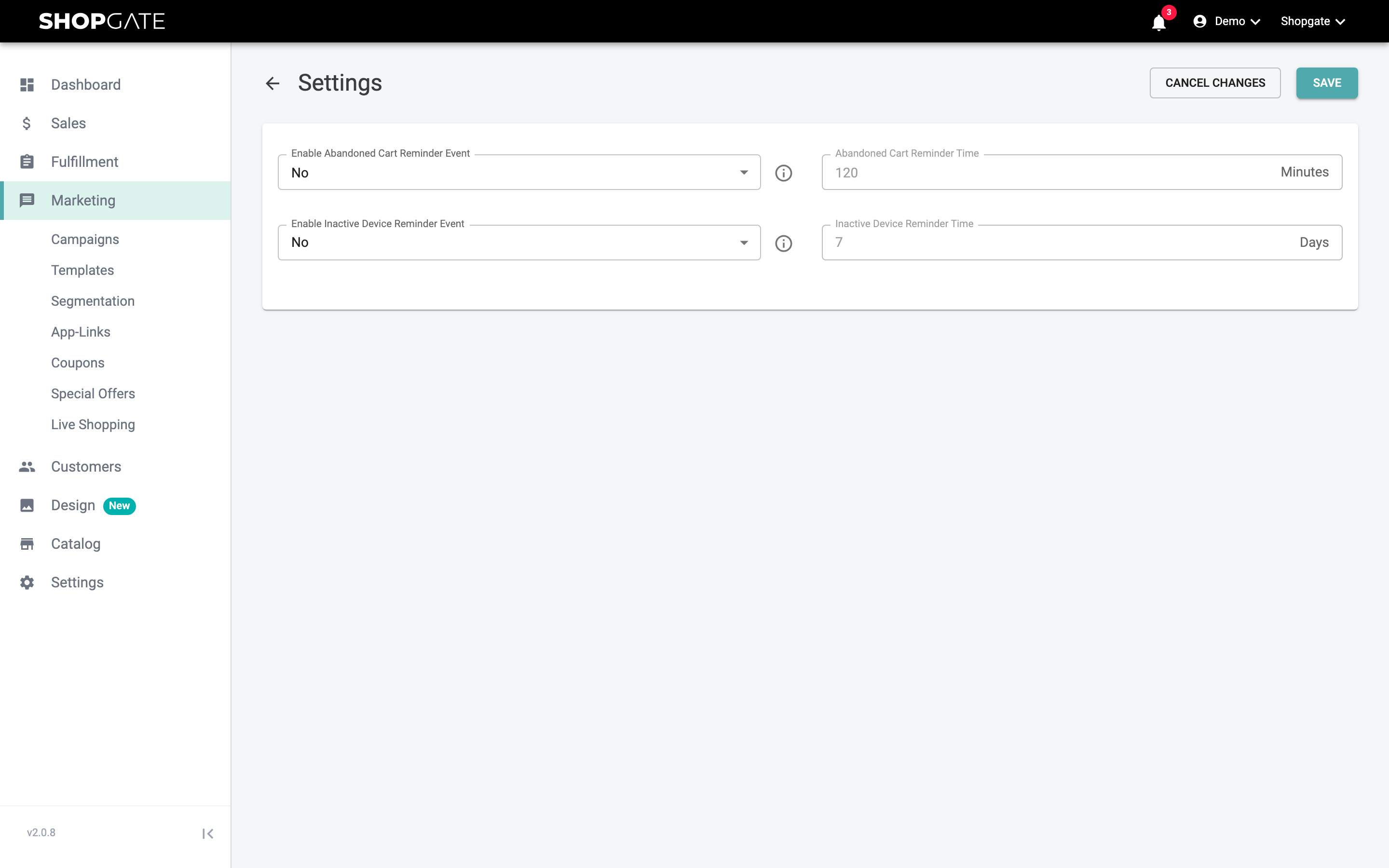
Done! Your cart reminder is now active.
Expert tips from Shopgate
Event-based push notifications such as the cart reminder have on average a 7x higher open rate and 3x higher conversion rates than regular push notifications, so you should definitely activate them.
In our experience, cart reminders work best after 24 hours (1440 minutes), because your users are very likely to have time for online shopping at the same time the next day.