
You can view your contract details at any time. You can find the relevant documents as follows:
- Log in to your Shopgate admin.
- Click your name in the top right of the black menu bar and then select My Account.
- In the Contract & Invoices section, click Open.
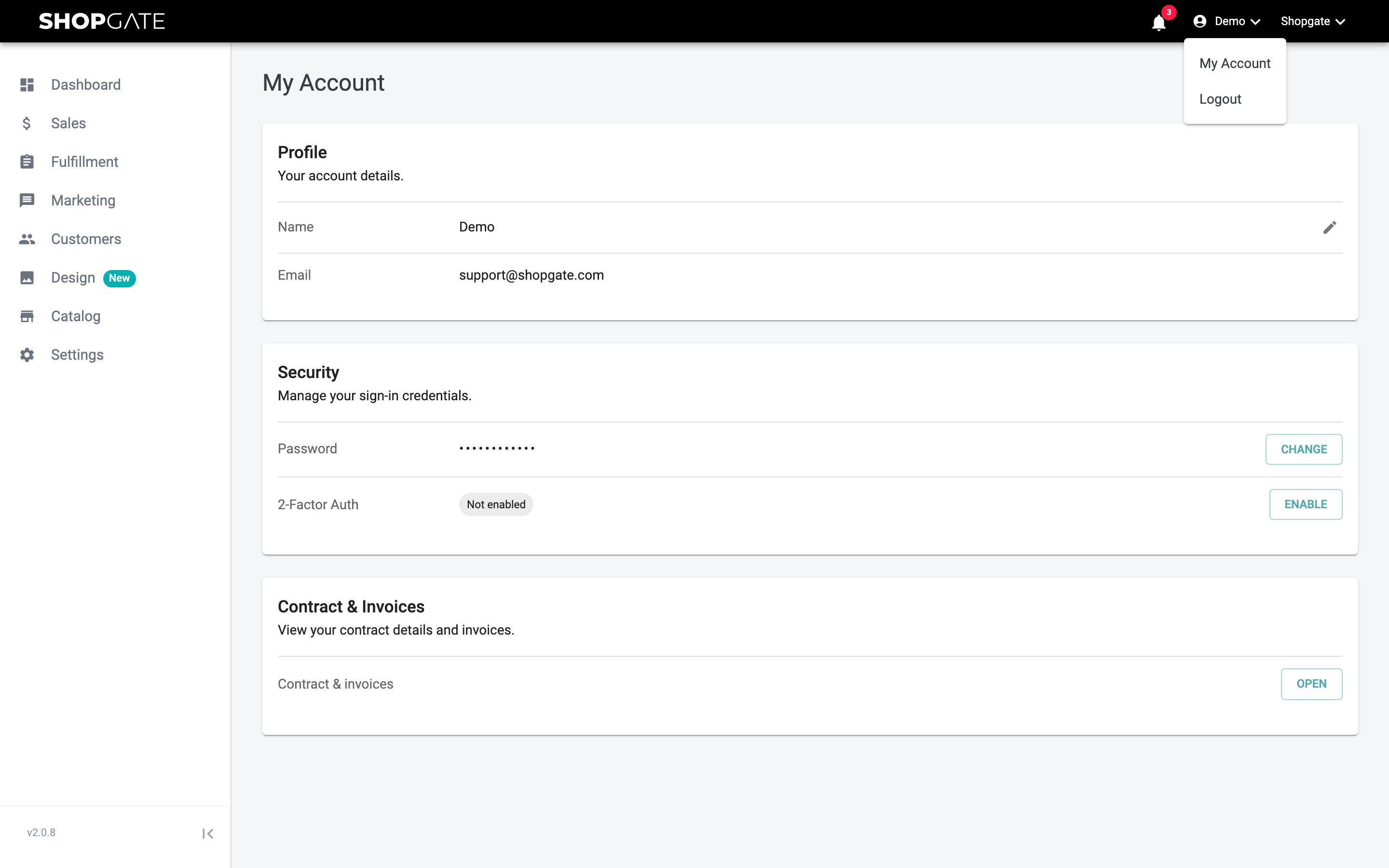
You'll then see a list with information about your contract and your previous invoices.
Changing the contract and billing address
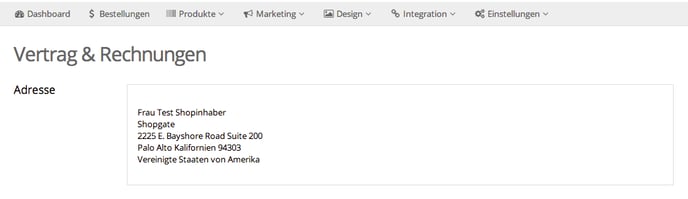
You can change your contract and billing address on the "Contract & Invoices" page.
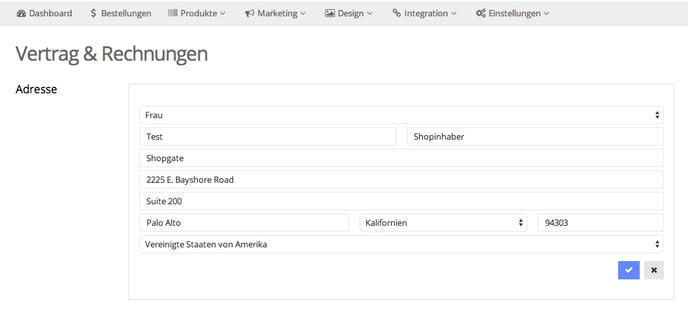
- Move your mouse pointer over the address field until it is highlighted in blue. Then click it to make your changes.
When you're done, click Save to apply your changes.
Please note that Shopgate uses this address for billing purposes only. It may therefore differ from the address you have stored as your shop location. To change the location address, click Settings › Master Data in the menu bar.