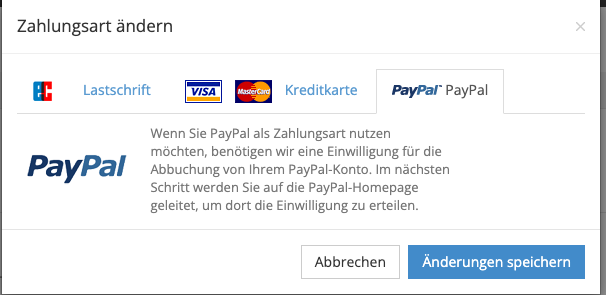
You can change your payment options or update the stored bank details by clicking your name in the top right, selecting My Account and clicking Open in the Contract & Invoices section.
Click the change button next to the contract you want to change.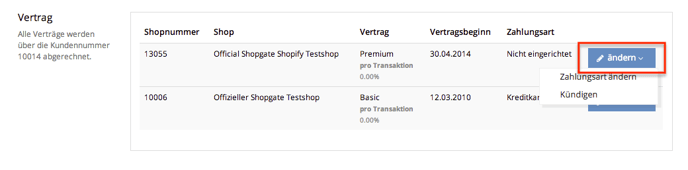
Next, select Change payment method. A pop-up window (see below) opens where you can select your preferred payment method (credit card, direct debit or PayPal). Finally, click Save.